
Executive summary
People in professional firms switch between tasks and screens throughout the day, and AI has added a new kind of switch. This piece looks at what the research on context switching says, why it matters for work that needs a clear head, what AI is doing to it, and how a firm can set AI up so the work stays in one place.
In a law or accounting firm, people usually hold a lot in their heads at once: a handful of matters, three or four systems, a phone that buzzes and an inbox that keeps filling. Firms run on people who can keep all of that moving and get the client's work out the door.
For work that needs thought, research on task switching00028-7) suggests the brain moves from one task to the other and back again, and each move costs a little time and accuracy.
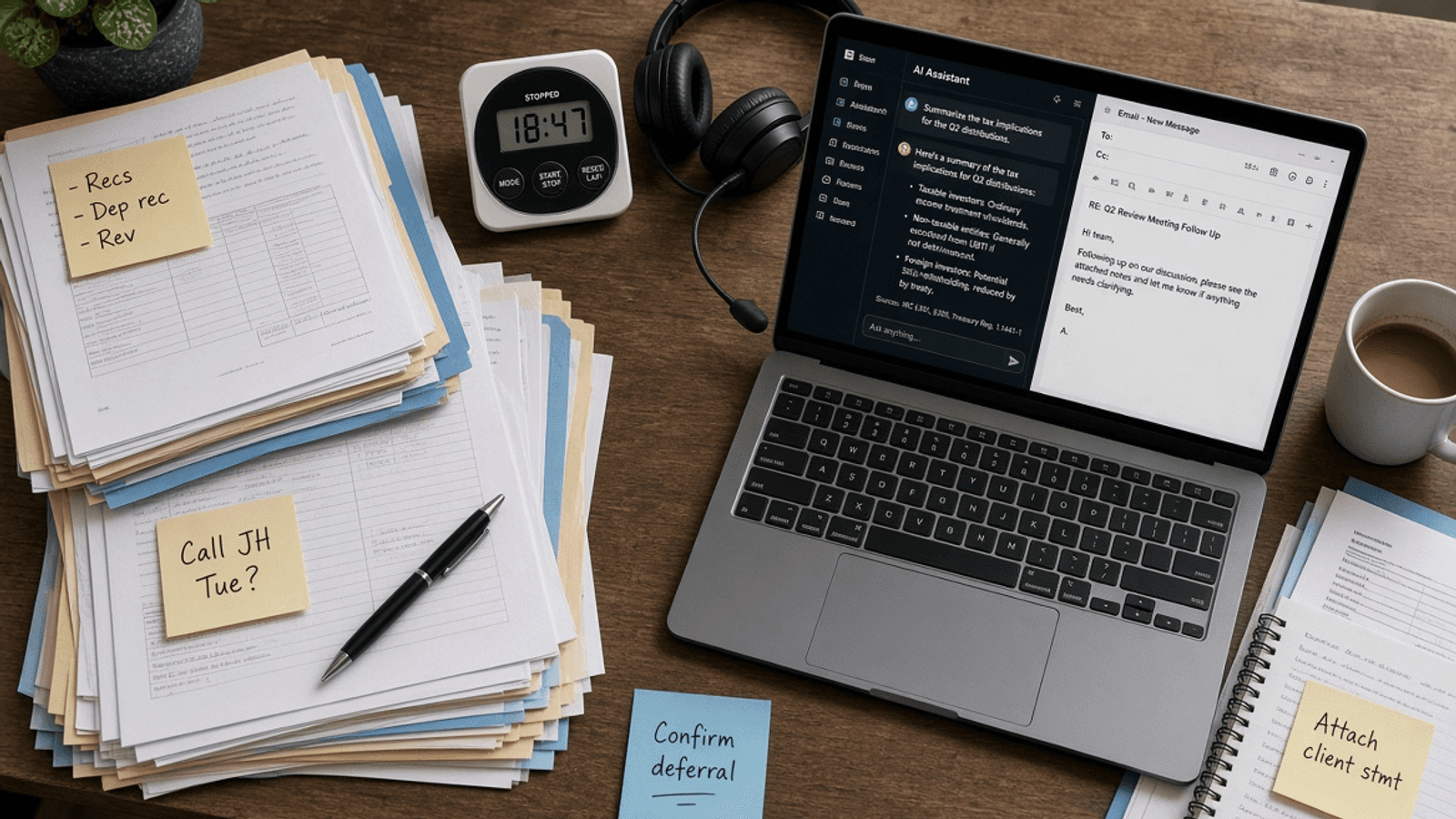
With AI, we ask for something and wait a few seconds, sometimes a few minutes, while it does its thing. While we wait, we open another tab or glance at the other matter.
So what does this mean for a professional services firm? How can we stay focused and take some of the strain off our brains?
1What switching looks like
Gloria Mark, a professor at the University of California, Irvine, has spent 20 years measuring how people move their attention at work. In 2004 her team found people spent about two and a half minutes on one screen before switching to another. In recent years the average has been 47 seconds, and half of all the observations were under 40.
In a 2005 study, Mark's team shadowed 24 managers, analysts and developers at a firm that handled financial records for its clients. When interrupted work was picked up again the same day, people returned to it after 25 minutes on average, and they worked on two other things in between. The figure varied widely from one interruption to the next. In a 2006 interview with Gallup, Mark gave a similar figure from a study of 36 people over three days: 23 minutes and 15 seconds.
A colleague asks a quick question about another file, and answering it takes four minutes. Going by Mark's figures, it could be 25 minutes and two other pieces of work before the original task is picked up again. In the Gallup interview, Mark said that by the time people return, new windows may be open on the desktop and papers rearranged on the desk, so it takes effort to work out where they were. She also said about 44% of interruptions were people interrupting themselves.
Younger staff grew up with several screens going at once. A 2009 study of three generations found younger people reported more multitasking, and all three generations rated the same combinations of tasks as hard. A review of 32 studies found only a small link between heavy media multitasking and attention, and on performance tests the link almost disappeared.
2Where firms feel it
Safe Work Australia's 2026 Australian Worker Exposure Survey found 68.3% of Australian workers say their job needs high concentration often or all the time, and 37.3% face tight deadlines or work pressure as often.
A professional's day is full of work like that: a 60-page lease, a set of financial statements, a file note that has to capture exactly what the client said, a meeting where the client explains the problem once.
A meta-analysis of 54 studies covering more than 170,000 readers found people understood informational text better on paper than on screen, and the gap was larger when they were reading against the clock. The gap also grew between 2000 and 2017. In a law or accounting firm, a lot of that reading tends to be informational, done on screen and under time pressure.
Many of us have sat in a meeting where half the room is looking at a second screen. A September 2026 study of more than 9,000 workers in Norway found meetings take about 12% of working hours and are linked to on-the-job learning and wage growth, especially time spent with senior colleagues.
In a 2008 experiment built around an email task, Mark's team found that people who were interrupted finished their work faster than people who were not, with no drop in quality. They also reported more stress, more frustration, more time pressure and more effort. The work gets done, and the cost lands on the person doing it.
3Waiting on AI
Using AI often means waiting. In 1993, the usability researcher Jakob Nielsen set out three limits for how long people will wait on a computer. Up to one second, their flow of thought stays unbroken. At 10 seconds, he wrote, people "will want to perform other tasks while waiting". Larger AI requests can take longer than that.
A 2026 experiment with 60 programmers, presented at CHI, the ACM's conference on human-computer interaction, found AI cut the time to finish tasks by 22%, reduced workload and improved accuracy. The researchers also measured the work of checking the AI's output, including the switches between the code, the tests and the AI. A heavier checking load went with the AI users' fatigue rising faster from one task to the next. Suggestions built into the editor were fastest on simple tasks, and a separate chat window did better on complex ones.
So is AI making the switching worse? The early evidence is mixed. Ashley Whillans of Harvard Business School and Sumer Vaid analysed 103 million application events from 1,017 employees at eight organisations, law and financial services among them. People tended to use AI on days that were already more fragmented than usual. After they used it, their work settled down: fewer applications, longer stretches in each, and a more predictable pattern. The study cannot say AI caused either change, and it has not yet been peer reviewed.
In a randomised trial run by the AI developer Anthropic, 52 mostly junior software engineers learned a new programming tool, some with AI help and some without. The AI group finished about two minutes faster, a difference that was not statistically significant, and scored 50% on a test of what they had learned, against 67% for the group without AI. In that trial, the people who kept more of their learning tended to be those who used AI to ask why, with follow-up questions and requests for explanation.
In a three-month field experiment with 133 practising patent lawyers at 11 US firms, AI improved the quality of their drafting. Afterwards, working without AI, the lawyers who had used it outperformed those who had not, with the gains concentrated among senior lawyers. Junior lawyers' results spread out, with fewer middling scores and more very good and very poor ones.
AI Uplift Program
See where your firm's work stops and starts
The investigation follows how your work moves today, including where AI sits in it. You keep the findings, whatever you decide.
Can AI help with focus as well?
4Work that stays in one place
What we tend to see is AI arriving as a chat window in a browser tab, next to everything else. A fee earner copies a clause out of the document, pastes it into the chat, waits, reads the answer, checks it, copies it back and goes looking for where they were.
In a randomised field experiment across 66 firms and 7,137 knowledge workers, AI built into the email, meeting and writing tools people already used cut about two hours a week from email for active users, and they did less work outside normal hours. That study was run with Microsoft and did not measure switching.
A firm can start with the work it wants AI to help with, such as drafting from precedents, summarising a file or a first pass at a reconciliation. For each one, ask where it happens. Putting AI inside the systems people already use (the document system, the practice management system or a shared workflow) can reduce the number of separate tools and windows they need to move between.
Say a lawyer sits down with a lease for an hour. The AI's first pass on the clauses is already in the file, set up to the firm's own checklist, so she reads, questions and decides. The quick questions from around the office go to the colleague covering that hour, or into a list she clears at the end of the block. If she does have to stop, she leaves herself a line: where she was, the open question, the next step.
Safe Work Australia's guidance on AI and digital technologies notes that automation can leave people with more complex and demanding tasks and more time reviewing AI output. It asks employers to manage that through how the work is designed, in consultation with workers, including letting them change the pace of work or pause when they need to.
AI beside the work
- Copy, paste, wait, open another tab
- Quick questions arrive whenever they come up
- Each return means rebuilding where you were
- Long documents read in pieces, on screen
- Juniors ask AI for the answer
AI inside the work
- AI output arrives in the file
- Quick questions go to a named person or a list
- A note in the file says where you stopped
- Long documents get a protected block
- Juniors ask AI why
5Setting up for focus
Measure a fortnight.
Pick two or three kinds of concentration-heavy work, such as file review or month-end. For two weeks, ask people to note each interruption: where it came from (a client, a colleague, a notification, the AI or themselves), whether it was about the same matter, how long it took, and how long before they were back on the original work.
Decide who is interruptible, and when.
Some interruptions have to happen, such as an urgent client or a question that stops a mistake. Name who covers those during a focus block, so the rest of the team can close the door.
Leave a note before switching.
Sophie Leroy and Theresa Glomb found that a brief plan written before leaving unfinished work helped people focus on the task that had interrupted them. A short note can record three things: where I stopped, the open question and the next step. Keep it in the matter file.
Put AI where the work is.
For each task the firm wants AI to help with, check whether people have to leave the matter to use it. Where they do, look at building it into the templates and workflows the firm already runs, so the AI's work arrives in the file. Our post on the prompt library is one place to begin.
Protect time to read and learn.
Give long documents a protected block and, where it helps, a printed copy. For juniors, make asking AI why part of the method.
6Where we come in
Our investigation follows how your firm's work moves through each of its steps, including where it stops, who it waits on, and where AI sits in it or could. The findings belong to your firm whether or not we go any further together.
If you would like to understand where the interruptions in your firm's day come from, reach out to our team. The first conversation works out whether your firm is the right fit for the AI Uplift Program, and whether we are the right people to help.
Setting up for focus
Frequently asked questions
What is context switching?
Moving your attention from one task to another and back again. For work that needs thought, research suggests each of those moves has a cost.
How long does it take to get back to work after an interruption?
In Gloria Mark's 2005 study, interrupted work picked up again the same day was resumed after about 25 minutes on average, usually after two other tasks. It varied widely, and people were doing other work in that time.
Is our attention span 47 seconds?
The 47 seconds is how long people spent on one screen before switching, in Mark's recent research. A person can move between several screens while working on the same task.
Does AI make context switching worse?
It can add a switch when using it means leaving the work to open another tool and wait. A large 2026 study, not yet peer reviewed, found people's work became more focused in the period after they used AI.
How can a firm reduce context switching?
Measure where interruptions come from, name who covers the urgent ones, leave a short note before switching, build AI into the tools the work already uses, and protect time for long reading.

About the author
Julia leads the investigation and is the author of the report presented to your leadership. Her background is in research, data analysis and business strategy.